Consumer advice · Practical next steps
Why did my internet bill go up? Compare these charges before calling
Separate an expired promotion from equipment fees, lost discounts, and charges that do not match your agreement.
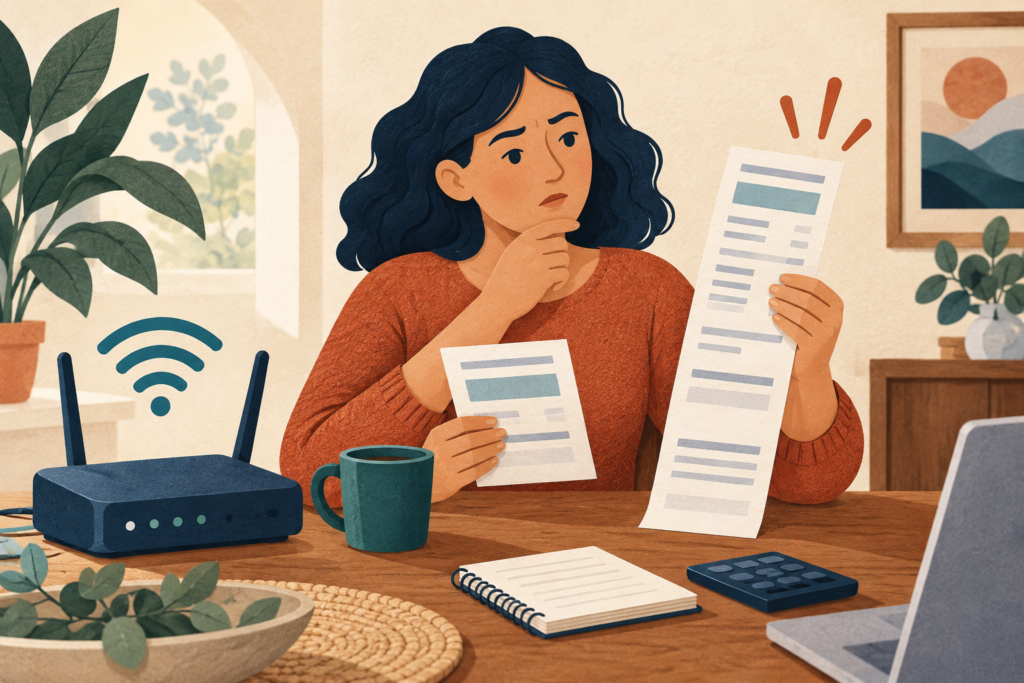
What should I check when my internet bill increases?
Compare the current bill with the previous bill and your plan terms. Check the base rate, promotional end date, equipment charges, usage fees, discounts, and one-time items. Ask the provider to explain each changed line and correct charges that do not match your agreement.
Key takeaways
Compare line items rather than only totals.
Check whether a promotional rate ended.
Confirm autopay or bundle discount conditions.
Get any promised adjustment in writing.
Identify the line that changed
Place two bills side by side and mark every difference. Separate the recurring service price from equipment rental, installation, late charges, usage-related fees, and prior balances. A higher total can reflect several smaller changes. Check whether a payment was credited and whether a one-time credit on the previous bill made the new bill look unusually high.
Compare the bill with the plan you accepted
Find your order confirmation, promotion, and applicable broadband label or plan disclosure. FCC broadband labels provide information intended to make plan pricing and terms easier to compare, including introductory pricing and additional charges. Check whether an introductory period ended or a discount depended on a payment method or bundled service. A current advertised offer may apply to different customers; ask which terms govern your existing account.
Ask for a correction or make a deliberate plan change
When contacting support, name the changed charge and the term it appears to conflict with. Request a correction if it is an error. If the increase follows the agreed terms, ask about lower-cost options and compare the full price after any new promotion. Before accepting, confirm equipment, cancellation, and discount conditions. Save the case number and written terms. The FCC accepts internet billing complaints, but submitting a complaint does not guarantee a rate reduction or refund.
Match the issue to the evidence
| Issue or record | What to check |
|---|---|
| Base rate rose | Promotion end date and ongoing rate |
| Discount disappeared | Eligibility and payment-method conditions |
| New equipment charge | Rental agreement and return receipt |
Common questions
Does a price increase always mean an error?
No. A promotion may have ended or an agreed fee may apply. Compare the change with your actual terms.
What should I save after a retention offer?
Save the new price, duration, later price, conditions, and confirmation number. A verbal total may omit important details.
Sources and article information
Official guidance checked October 6, 2026. Consult the linked sources for current instructions.
Prepared with AI assistance. General information, not legal advice. Examples and illustrations are explanatory; we do not submit complaints or guarantee outcomes.
Turn your records into a clear complaint
- Organize the relevant evidence.
- State the correction you want.
- Choose the right complaint route.
Free guidance, one step at a time.